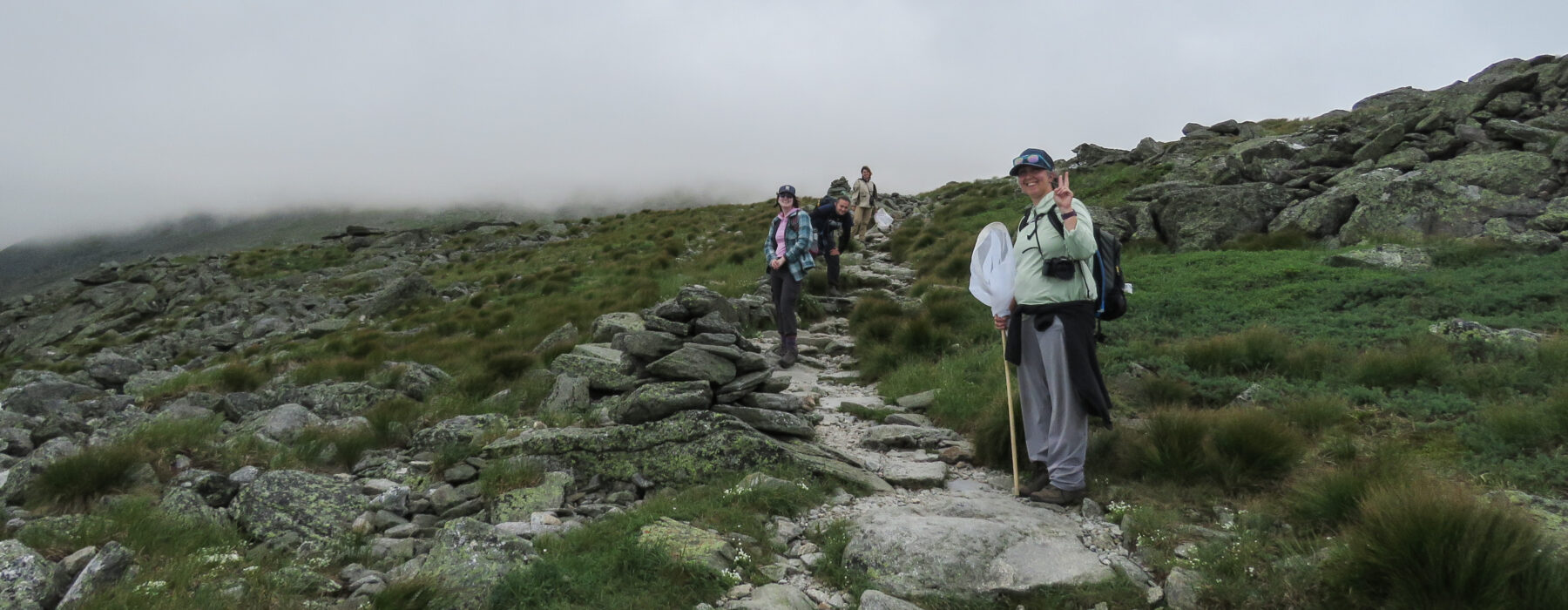
Thousands of people just like you hike the miles of trails in the alpine zone. Whether you are hiking hut to hut, just out for a day hike, or visiting via the Mount Washington Auto Road, you can add valuable observations to our database by photographing and counting the butterflies you encounter as you hike. Here’s how:
Intro Level Butterflying
Snap a picture of a butterfly and upload it to the iNaturalist phone app or platform. This is called an “incidental observation.” Do this anytime, anywhere: your garden, on a walk, or on your way to the store. Once someone confirms the ID, you’ve officially contributed to science! For more details on how to use iNaturalist and eButterfly, download our quickstart guides.
Next Level Butterflying
If you’re ready to take your butterfly hike to the next level, here’s how:
1. Join eButterfly.
Download the app to your phone, or head to e-butterfly.org. Create an account.
2. Do a butterfly survey on your hike.
In the app, click Start Checklist and go searching for butterflies! (If you hate phone apps, you can always take out a trusty notebook to record your checklist on paper and enter them later via the eButterfly website.)
When you see a butterfly, take a quick picture with your phone’s photo app or your camera. Try to get closer and take more pictures from multiple angles with wings open and closed. A blurry photo is better than no photo!
3. Get help with your ID.
If you’re not sure what butterfly it is, eButterfly can help you ID it. Open the app, click the butterfly camera icon, choose the camera icon, select Allow Full Access, choose the best photo to upload. Click Identify, choose the top row with the most confidence. Select Add to Checklist. (It’s okay if you got it wrong, experts will doublecheck your observations.)
4. Add your observations in the survey.
If you don’t get a picture, that’s okay! Type what you saw in the search bar. It can be anything from “butterfly”, to its family (swallowtail), genus (tiger swallowtails), or species (Canadian Tiger Swallowtail).
Click on the appropriate result, put in the number you saw under Count, select Public for Data Usage (Confidential or Sensitive is for endangered butterflies), add in Field Notes like what color it was and what plant it was on, upload any photos, and click Done.
When you’ve finished your survey, click Next.
Choose your type of Survey:
- Traveling: You’re walking or hiking.
- Area Survey: You’re looking around a certain area like a yard or meadow.
- Incidental: You’re not surveying, but see a butterfly when you’re outside.
Doublecheck Start Time and Date are correct. Enter your Party Size: How many people are in your group? Fill in how long you were surveying under Duration.
Answer the two final questions, and click Finish on the top right.